
Industries
Approvals without the email chain.
Project tracking, drawing approvals, estimating tools, field reports and timesheets.
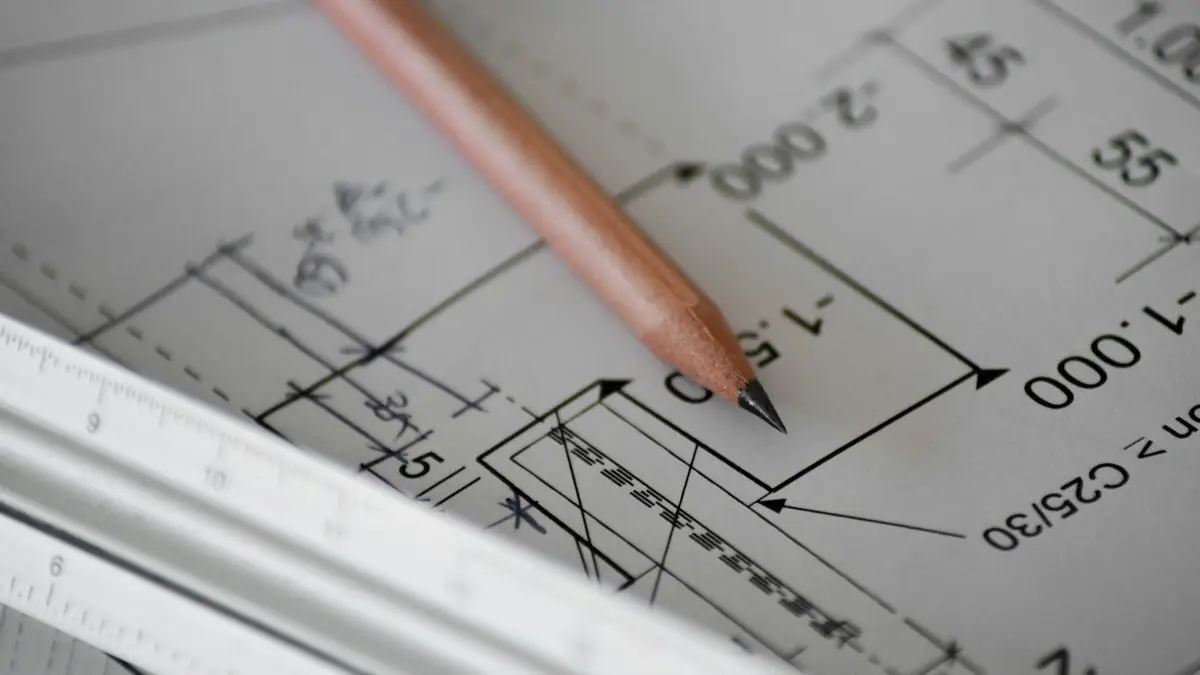

Route each revision to the right reviewers automatically, track who approved what, and keep one clear latest version, instead of emailing files.
A day on a project
Revision C of a drawing goes to three reviewers by email. One replies to the wrong version. A site report is still on paper in someone's van. Timesheets are due Friday.
Where time leaks
Chasing approvals · version mix-ups · retyping site reports · timesheets and hours matched to projects by hand.
What it can look like
*Typical use cases, not client work.*
- Drawing approvals: each revision routed, approved and recorded, with the latest version always clear.
- Project tracker: tasks, documents and hours per project in one view.
- Field report app: photos, notes and signatures on site, working offline.
- Timesheets: hours logged against projects, ready for billing.
- Document assistant: AI search across specs and reports, with sources shown.
Working with CAD and accounting tools
Details to follow.
Services we use
Custom software · Mobile apps · Salesforce Flow · AI-powered apps
Common questions
Short answers. Ask us anything else on a call.
How can an engineering firm automate drawing approvals?
Route each revision to the right reviewers automatically, track who approved what, and keep one clear latest version, instead of emailing files.
Can field reports work offline?
Yes. The app saves on the device and syncs when there's signal.
Do we have to replace our CAD software?
No. The system tracks approvals around your files, not instead of your design tools.

Next step
Tell us what you want to build
A 30-minute call. We tell you plainly whether we can help, and you get a written scope and price before any work starts.